Each client's survey should look like their service.
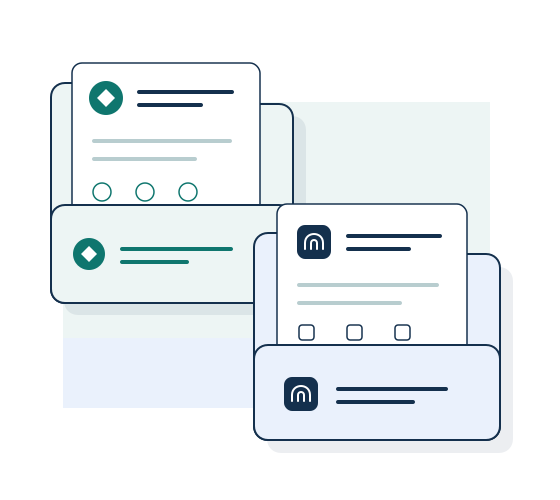
When your agency runs feedback or research for several clients, each needs their own identity and working space. Customize each survey’s appearance and use separate Wobidobi workspaces for client questionnaires and access.
Create forms and collect responses for free. Removal of Wobidobi branding is available on paid plans.
When this is useful
This setup fits an agency or consultant collecting feedback on behalf of different companies. One workspace can hold a client's related forms while another keeps a different client's surveys and access separate. Choose a separate workspace when the project or group of people with access needs to be different.
From setup to responses
-
Set up a workspace for the client
Keep that client’s surveys together. Choose a plan for its response volume and access needs. Plans apply to individual workspaces.
-
Prepare and publish the questionnaire
Build the form or duplicate an existing questionnaire in that client's workspace. Check the wording and branding before sharing the link. On an eligible paid plan, remove Wobidobi branding from public survey pages.
-
Give the right people access
On a paid team plan, add the colleagues or client representatives who need access and select appropriate roles. Check membership for each workspace; an invitation to one client workspace does not grant membership in others.
Share the results with your client
Review responses in the form's workspace and export CSV data for the client's reporting process. Research projects can use the SPSS-ready package containing CSV data, SPSS label syntax, and import instructions. Wobidobi keeps responses with their forms; your team prepares the interpretation and client report.
Before you begin
Does one subscription cover every client workspace?
No. Plans and limits apply per workspace. A client's required members and response volume determine the plan for that workspace. See pricing before choosing the structure for several clients.
Can a solo consultant use this setup?
Yes. Each account has one personal workspace for solo work. For separate client workspaces, create team workspaces, even if you work alone. Check the team plans for each client’s response volume and access needs; each paid workspace has its own subscription.
What can I test before paying?
Create a form and collect responses on Free using the platform form link. Removal of Wobidobi branding and shared member access require the relevant paid plan.
Related ways to use Wobidobi
Customer feedback
Make a survey after a purchase, appointment, or project feel like a continuation of your service.
Employee feedback
Collect pulse, onboarding, or internal service feedback in your company's visual identity.
Research and SPSS
Collect structured responses, then take the data into your analysis workflow with CSV and an SPSS-ready export.
Start with your first survey.
Create a form and collect responses for free. Choose a paid plan when you need higher limits or removal of Wobidobi branding.