Employee surveys in your company’s style.
Use Wobidobi for employee pulse surveys, onboarding feedback, or questions about an internal service. Company branding keeps the survey recognizable; a clear introduction tells employees why you are asking and who will read the responses.
Create forms and collect responses for free. Removal of Wobidobi branding is available on paid plans.
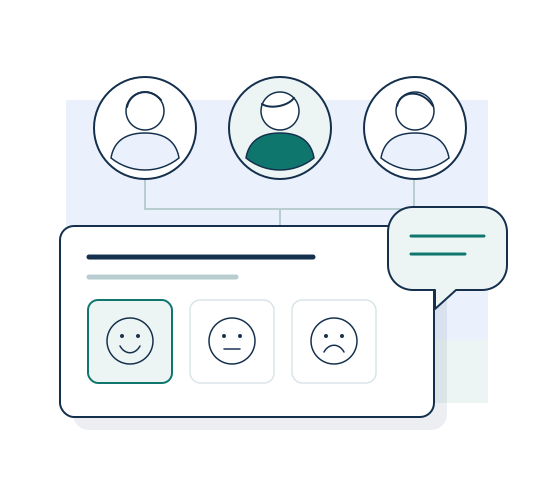
When this is useful
A short pulse can help you understand a specific part of the employee experience, such as clarity of priorities or access to support. An onboarding survey can focus on what helped a new colleague get started. Choose one purpose and explain how the team plans to use the feedback.
From setup to responses
-
Explain the purpose and the audience
Describe the topic in the form introduction and say who will review the answers. Ask for only the information needed for that purpose, including in optional free-text questions.
-
Choose how employees receive the form
Share a public link through an internal channel and explain who should complete the survey.
-
Choose who can review the feedback
Use a team workspace with appropriate member roles when several colleagues need access. Customize the survey’s logo and colors.
Read the context behind each rating
Review submitted answers and question summaries, then export a CSV for further analysis if needed. Decide how to share the findings with employees. A later pulse can reuse a copy of the questionnaire, with its responses kept in that form.
Before you begin
Can I promise employees that the survey is anonymous?
Do not infer anonymity from leaving out a name question. The questions you ask and access to individual responses can affect whether someone is identifiable. Explain your collection and access arrangements before inviting employees.
Can several HR colleagues work in the same space?
Team workspaces support members and roles on eligible paid plans. Free starts with one user. Removal of Wobidobi branding also requires a paid plan.
Related ways to use Wobidobi
Customer feedback
Make a survey after a purchase, appointment, or project feel like a continuation of your service.
Agencies and client projects
Give each client's surveys their own branding, settings, and workspace access.
Research and SPSS
Collect structured responses, then take the data into your analysis workflow with CSV and an SPSS-ready export.
Start with your first survey.
Create a form and collect responses for free. Choose a paid plan when you need higher limits or removal of Wobidobi branding.