Customer surveys that feel like part of your service.
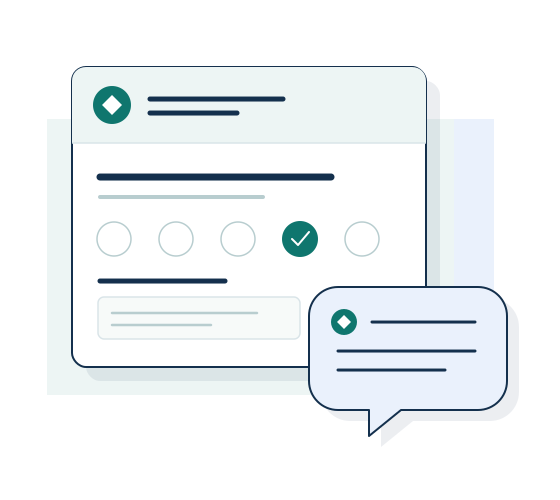
Send customers a feedback survey that looks like the company they already know. Wobidobi lets you publish forms with your logo and colors, and remove Wobidobi branding on eligible paid plans.
Create forms and collect responses for free. Removal of Wobidobi branding is available on paid plans.
When this is useful
Use a customer feedback survey after a completed appointment, delivered order, support interaction, or client project. Keep each survey focused on that experience so the answers can inform a specific service decision. A familiar brand keeps the survey connected to the rest of your customer communication.
From setup to responses
-
Build around one customer experience
Choose a rating question and a few follow-up questions. Preview the survey before publishing it, and explain which purchase, appointment, or project the questions refer to.
-
Match your customer communication
Customize the survey’s logo and colors. On a plan with white-label, remove the Wobidobi logo from public survey pages.
-
Share the link at the right moment
Include the public form link in your own follow-up message after the service. Customers can open and submit it without creating a Wobidobi account.
Read ratings together with comments
Read individual responses and inspect the available question summaries. Export a CSV when you want to discuss the feedback with colleagues or work with it in a spreadsheet.
Before you begin
What can I try for free?
Create a form and collect responses within the Free plan limits. Removal of Wobidobi branding requires a paid plan. The pricing page shows the current allowances and included features.
Does Wobidobi send the survey invitation to my customers?
You share the form link through your existing customer communication.
Can I use the same questions again?
Yes. Duplicate an existing form and edit the questions for the next project. Customize the survey’s appearance. Results remain attached to each form; this does not create an automatic comparison across survey waves.
Related ways to use Wobidobi
Employee feedback
Collect pulse, onboarding, or internal service feedback in your company's visual identity.
Agencies and client projects
Give each client's surveys their own branding, settings, and workspace access.
Research and SPSS
Collect structured responses, then take the data into your analysis workflow with CSV and an SPSS-ready export.
Start with your first survey.
Create a form and collect responses for free. Choose a paid plan when you need higher limits or removal of Wobidobi branding.